Create your UnwrapEmail account
UnwrapEmail creates your dashboard account the first time you complete email or GitHub sign-in. Start here before you configure billing or API access.
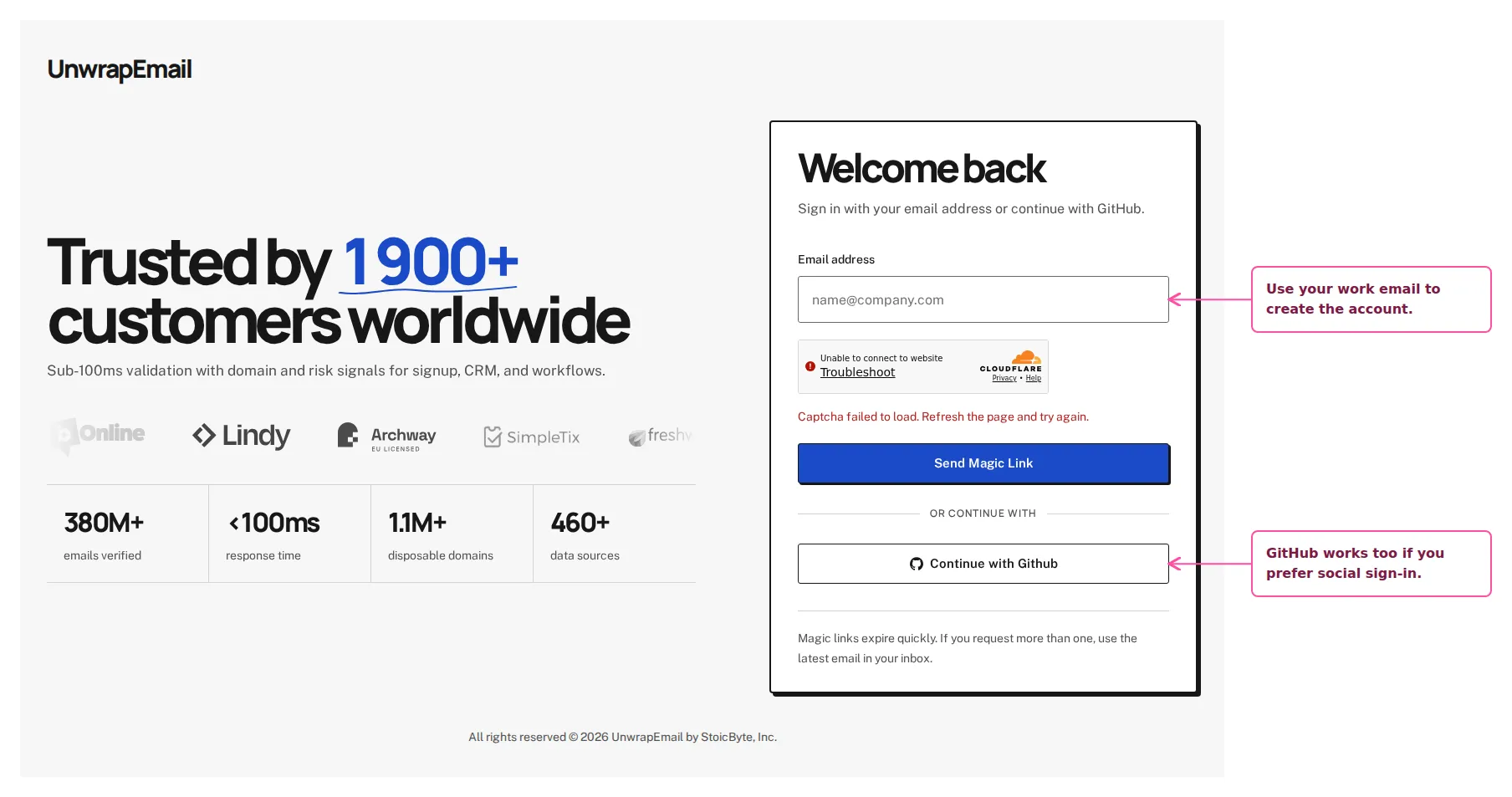
Use the screen below as the reference point while you work through this step in the dashboard.
Step By Step
Section titled “Step By Step”- Enter the work email you want to use, or continue with GitHub.
- If you choose email sign-in, open the newest magic link sent by UnwrapEmail.
- Finish authentication and continue into the dashboard.
Why This Step Matters
Section titled “Why This Step Matters”Your account can belong to multiple workspaces. If a teammate invited you, accept their invitation with the email address that received it to use the shared workspace.