Activate your subscription
Select the workspace you want to activate, then open its subscription page as the owner. Review the current rates before opening checkout. Each workspace has its own subscription and validation usage.
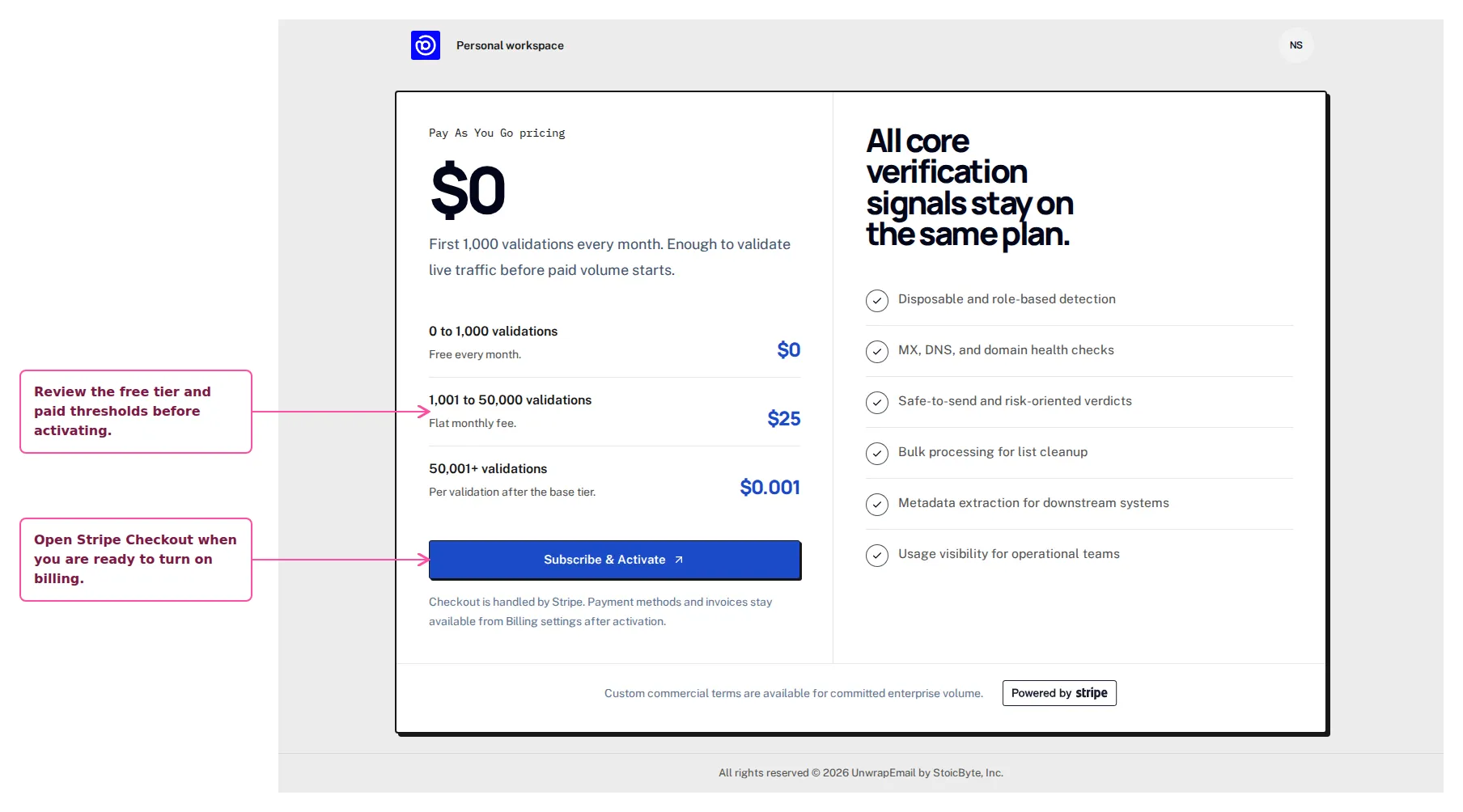
Use the screen below as the reference point while you work through this step in the dashboard.
Step By Step
Section titled “Step By Step”- Review the free threshold and paid usage ranges.
- Click Subscribe & Activate to open Stripe Checkout.
- Return to the dashboard once checkout finishes.
Why This Step Matters
Section titled “Why This Step Matters”A subscription applies only to the selected workspace. Joining a team does not require a personal subscription: use the team’s active workspace. See Billing and ownership for payer access and billing handover.